
This manual provides an overview of the STM32 Nucleo-64 board features, functionality, and applications to help users get started quickly.
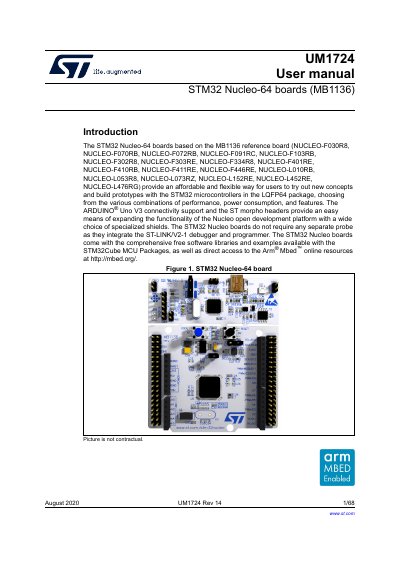
This manual provides detailed instructions for using the STM32 Nucleo-64 board (MB1136), including setup, hardware configuration, and software tools. It covers development environments like IAR, Keil, and GCC, as well as the onboard ST-LINK/V2-1 debugger and programmer. The guide also explains power options, LEDs, buttons, and extension connectors for prototyping with STM32 microcontrollers.
The manual includes specific configuration steps for getting started, such as jumper settings and USB driver installation, and details on bootloader limitations for the NUCLEO-L476RG variant.
| Microcontroller | STM32 in LQFP64 package |
|---|---|
| On-board Debugger | ST-LINK/V2-1 |
| USB Interfaces | Virtual COM port, Mass storage, Debug port |
| Power Supply Options | USB VBUS or external (3.3 V, 5 V, 7-12 V) |
| LEDs | Three LEDs: USB (LD1), user (LD2), power (LD3) |
| Push-buttons | USER and RESET |
| Extension Connectors | ARDUINO® Uno V3 and ST morpho headers |
The board integrates the ST-LINK/V2-1 debugger and programmer with SWD connector.
It can be powered via USB VBUS or external sources (3.3 V, 5 V, 7-12 V).
Comprehensive free software libraries and examples are available with the STM32Cube MCU Package and Arm® Mbed™ online resources.