
This is a PDF file about the user manual of Smart Reader HD. The document introduces the functions, operation methods and usage of the device, including scanning documents, OCR/TTS, adjusting user settings, saving files and viewing files.
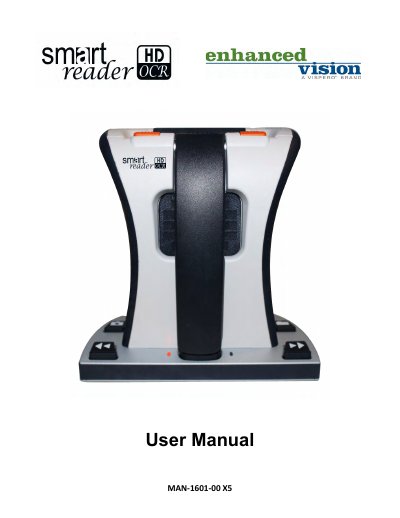
This manual explains how to set up and operate the Enhanced Vision ii Smart Reader HD X5, a device designed for individuals with low vision. It includes instructions for checking the battery, turning the device on and off, using OCR to read text, adjusting settings like brightness, volume, and language, and managing saved files. The guide also covers troubleshooting common issues and device specifications.
The device features a built-in camera, long-lasting battery, and OCR capabilities. It can be used with an external monitor for enhanced viewing. Controls are accessed via buttons and dials, allowing users to adjust text size, color modes, and playback speed. Optional accessories like a control console and USB hub are described for extended functionality.
| Product Measurements | L: 9 1/16 in, W: 4 ½ in (arm closed), H: 9 ½ in (arm closed) |
|---|---|
| Camera | High definition 13MP sensor |
| Product Weight | 4 lbs (1.8 kg) |
| Power Supply Input | 120-240 VAC / 0.3-0.5A (nominal) |
| Power Supply Output | 19 VDC |
| Operating Temperature | 0-40°C / 32-104°F |
| Storage/Transport Temperature | 0-60°C / 32-140°F |
| OCR Storage Capacity | Minimally, 1,000 full page scans |
| Warranty | 2 Years |
Press the power button to turn on the device.
The device has a long-lasting battery, but specific runtime is not mentioned in the manual.
Use the Volume wheel to increase or decrease system volume.
Yes, use the HDMI cable to connect to a TV or monitor via an HDMI port.