
vera is a student learning platform provided by sutton college. you can access your emails, courseware, and online storage space.
This guide explains how to log in to VERA using your college email and password. It includes steps to access Google Mail, Sites, and Drive. Support is available through your tutor or the iClick Centre.
After logging in, you’ll see an App Launcher grid to access key college tools. The guide also provides a password reset link for account issues.
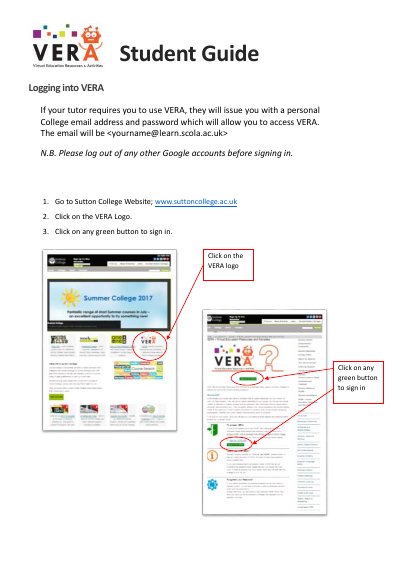
Go to www.suttoncollege.ac.uk, click the VERA logo, then click any green button to sign in.
Use your personal College email: