
Key facts
- Manuals
- 1
- Languages
- EN
- Last added
- 2023-10-20
Featured Sutton College manuals
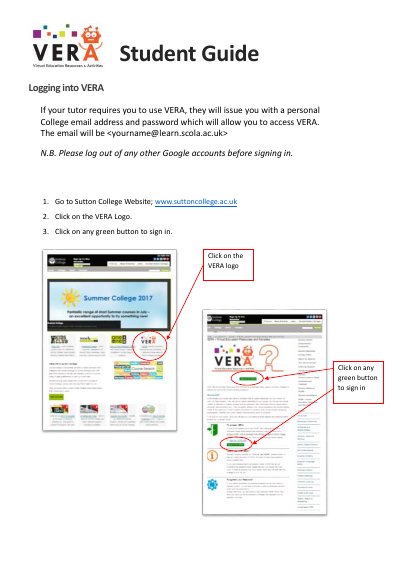
Sutton College VERA User Guide
This guide explains how to log in to VERA using your college email and password. It includes steps to access Google Mail, Sites, and Drive. Support is available through your tutor or the iClick Centre.
After logging in, you’ll see an App Launcher grid to access key college tools. The guide also provides a password reset link for account issues.
Covers: Logging into VERA · Accessing College Resources · App Launcher · Getting Support
Latest Sutton College manuals
Sutton College VERA User Guide
User Manual 3 pages · 422 KB · ENStep-by-step guide to logging into VERA, accessing college resources, and getting support.
Which document do I need?
User Manual
Day-to-day operation, settings and troubleshooting. Start here if the product is already set up.
Questions answered in Sutton College manuals
How do I log in to VERA?
Go to www.suttoncollege.ac.uk, click the VERA logo, then click any green button to sign in.
What email should I use to log in?
Use your personal College email: <[email protected]>.