
This document is a user manual for a people flow counter. The manual introduces the working principle, usage methods and installation methods of the people flow counter.
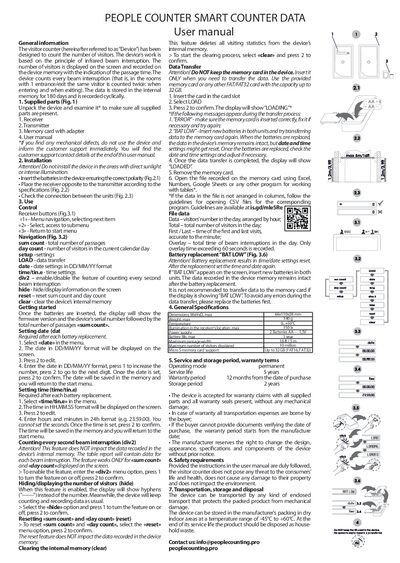
This manual describes the People Counter Smart Counter Data visitor counter, which records the number of people passing through an infrared beam. It details the device’s components, how to install the receiver and transmitter, and how to operate the menu functions for counting, date/time settings, and data management.
The guide also covers battery replacement, memory‑card data transfer, safety requirements, warranty terms, and disposal instructions, providing all necessary information to set up and maintain the device safely and effectively.
| Dimensions | 66 × 110 × 28 mm |
|---|---|
| Operating temperature range | -45 °C to +50 °C |
| Maximum passage width | 5 m (16 ft) |
| Maximum visitors displayed | 10 million |
| Memory card support | Up to 32 GB (FAT16, FAT32) |
Select “date” in the menu, edit the day, month and year fields, then confirm to save the setting.
Insert a FAT/FAT32 memory card, select “LOAD”, confirm, and wait for the “LOADED” message before removing the card.
It indicates low battery voltage; replace the batteries in both units and then reset the date and time if needed.