
This file introduces the product characteristics and usage methods of SPL Ranger Plus Analog Code Plugin.
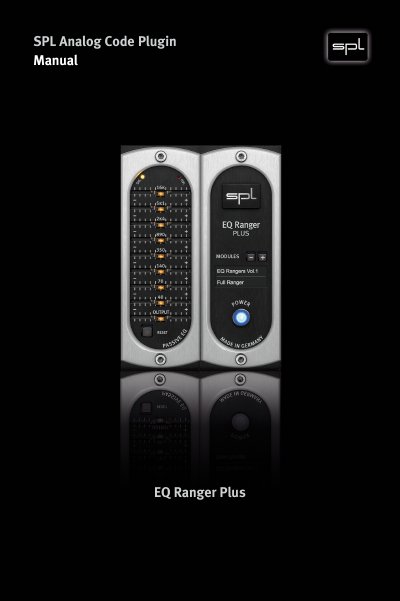
This user guide explains how to install and use the SPL EQ Ranger Plus Analog Code Plugin, a digital audio processing tool designed to emulate analog hardware. It includes sections on plugin activation, system requirements, control elements like faders and LEDs, and detailed module settings for different genres and instruments. The plugin offers 181 customizable modules across six genres, allowing users to tailor EQ settings for specific sounds and mixes.
The guide also covers practical controls such as mouse wheel adjustments, power and signal indicators, and reset functions. It references the original EQ Rangers (Vox, Bass, Full) and introduces new modules designed by Grammy-winning engineers for enhanced flexibility and precision in audio mixing.
You must activate it in your Plugin Alliance account at http://www.plugin-alliance.com.
The POWER LED indicates whether the plugin is activated. Clicking it turns the plugin on or off.