
HawkEye Audio Analyzer is a multi-purpose audio analysis software
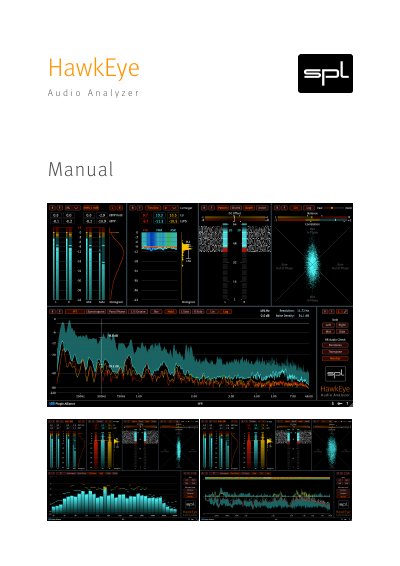
The HawkEye Audio Analyzer is a versatile tool designed for high-resolution audio analysis, supporting sample rates up to 768kHz and featuring five measuring instruments: level meters, loudness meters, bit monitors, vector scopes, and spectrum analyzers. It allows users to undock and resize instruments for flexible multi-screen use. The software includes features like bit-depth analysis, high-frequency monitoring, and dynamic timeline displays. Performance can be optimized by freezing instruments or minimizing windows to reduce CPU load.
The manual covers setup for both DAW integration and standalone use on Windows and macOS, including audio/MIDI settings, virtual audio device configuration, and buffer size adjustments for optimal performance.
| Sample Rate | up to 768kHz |
|---|---|
| Processing | Full double precision 64 bit |
| FFT Bands | 4096 bands |
| Buffer Size | 10ms to below 50ms |
Supported sample rates of up to 768kHz.
Direct Current (DC) offset meter (-60dB to -40dB).
Spectrum (FFT) with 4096 bands.
Between 10ms and below 50ms.