
Ocean eReferral is an online electronic referral platform that allows doctors or patients to initiate referrals to other medical institutions through the platform.
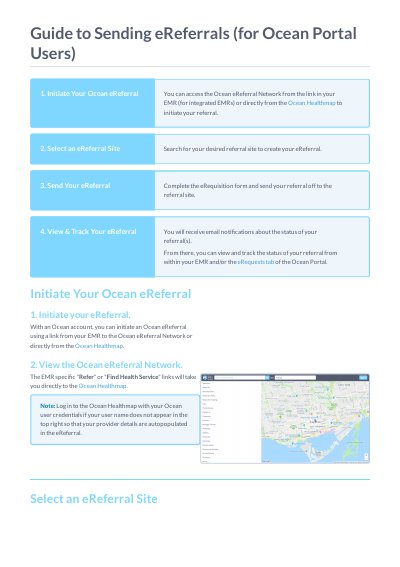
This document provides instructions for users to initiate an Ocean eReferral using a link from their Electronic Medical Record (EMR) or directly from the Ocean Healthmap. It details the process of selecting a referral site, completing the eRequisition form, and sending the referral to the destination site.
You can view them in the "Sent (All)" option in the left sidebar of the eRequest Tab of the Ocean Portal.
A green arrow icon indicates if a listing accepts eReferrals in search results.