
This document is a user manual that introduces the usage of PR1000LCD/PR1500LCD
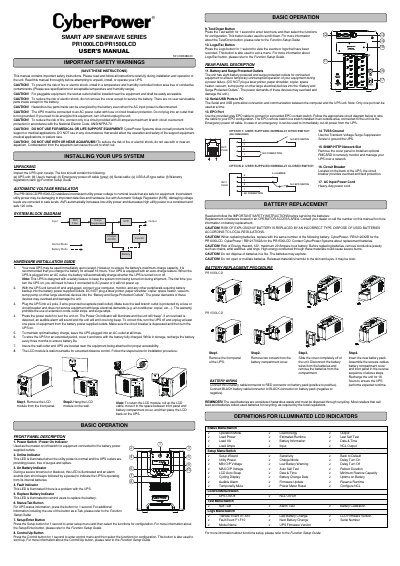
This manual provides safety warnings and installation instructions for the CyberPower PR1000LCD/PR1500LCD uninterruptible power supply. It covers proper setup, connection to AC outlets, and handling of battery replacement. The unit features automatic voltage regulation and an LCD display for monitoring status. Safety precautions include avoiding use near aquariums, ensuring proper grounding, and not plugging high-power devices into battery outlets.
The manual also details front and rear panel controls, including power switches, indicators, and configuration buttons. It includes step-by-step battery replacement procedures and warnings about hazardous materials. Users are advised to recharge the battery after replacement and to maintain optimal charge by keeping the unit plugged in.
| Battery Type | CyberPower / RB12120X 2B for PR1000LCD, CyberPower / RB12170X2A for PR1500LCD |
|---|---|
| Maximum Branch Circuit Protection | 20 amperes |
| Battery Voltage | 12V |
Turn off and unplug the UPS, unplug at least one device, depress the circuit breaker, then turn the UPS back on.
The unit must be connected to a circuit provided with 20 amperes maximum branch circuit overcurrent protection.
It is recommended that you charge the battery for at least 16 hours to ensure maximum charge capacity.
The PR1000LCD requires the CyberPower / RB12120X 2B battery, while the PR1500LCD requires the CyberPower / RB12170X2A battery.