
This document introduces the features of the TWN4 MultiTech 3 M LEGIC reader device, including connection, power on, enumeration, initialization, normal operation, and detailed instructions on how to use the device
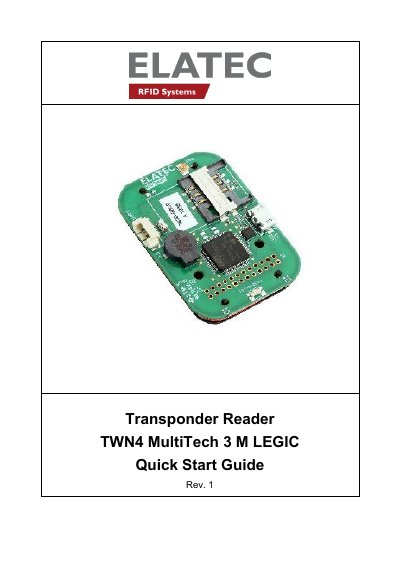
This guide explains how to connect and initialize the TWN4 MultiTech 3 M LEGIC RFID reader. It covers USB and RS232 cable connections, power-up detection, initialization steps, and normal operation. The device detects transponders and sends their IDs to the host via keyboard emulation or ASCII codes. It also includes compliance statements for FCC and NCC regulations, and contact information for technical support.
It is a device for reading and writing RFID transponders.
It connects via USB or RS232 cable and sends a version string via RS232 to the host.
The device sends the ID to the host, sounds a beep, turns off the green LED, and blinks the red LED for two seconds.
The FCC ID is WP5TWN4F14.