
Elatec TWN4 MultiTech 2 M LF Transponder Reader Quick Start Guide

This document describes the features and usage of Elatec TWN4 MultiTech 2 M LF transponder reader.
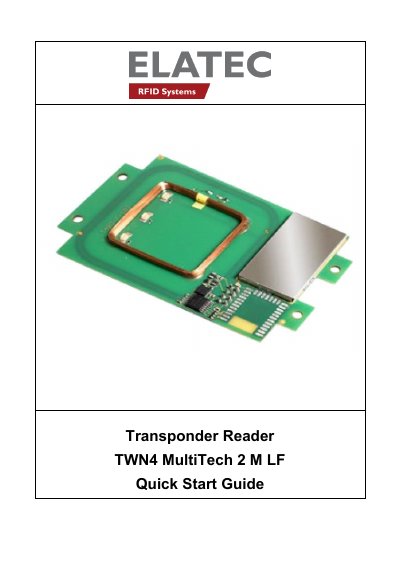

Elatec TWN4 MultiTech 2 M LF Transponder Reader Quick Start Guide - cover page
Brand
Elatec
Category
Other Electronics
Document type
Quick Start Guide
Language
English
Pages
13
File format
PDF
File size
298 KB
Published
19 October, 2023
Updated
19 October, 2023
MD5 checksum
2DE533F4641622B7D3FF2DAA4CAA79B4

About this manual

The Elatec TWN4 MultiTech 2 M LF is a device designed for reading and writing RFID transponders operating at a frequency of 125kHz. It supports various transponder types and connects to a host via USB or RS232 cables. Upon connection, the device automatically detects the communication cable type and powers up, entering a minimum power consumption mode until enumerated by the USB host if applicable.

What's inside

  • Introduction
  • Getting Started
  • Cable Connection
  • Power Up
  • Enumeration
  • Initialization
  • Normal Operation
  • Detection of a Transponder
  • Suspend Mode
  • Compliance Statements

Specifications

Frequency125kHz
InterfaceUSB or RS232

Frequently asked questions

What frequency does the TWN4 MultiTech 2 M LF operate at?

The device operates with a frequency of 125kHz.

How does the device indicate a transponder has been detected?

It sends the ID to the host, sounds a beep, blinks the red LED for two seconds, and then turns the green LED back on.

Download PDF (298 KB)

More Elatec Manuals


View all Elatec manuals →