
dv-40s wireless micron gauge operating manual
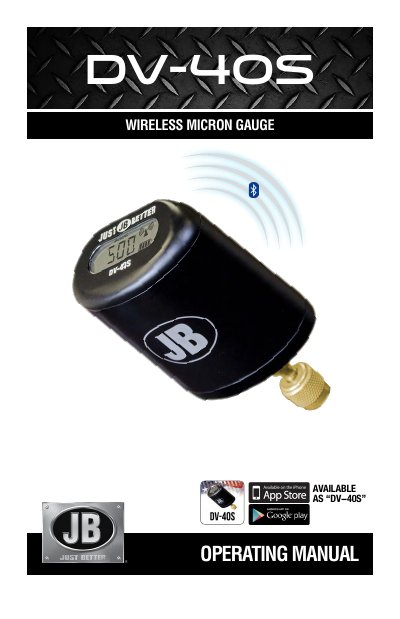
This manual explains how to operate the DV-40S wireless micron gauge, including powering on/off, charging, and connecting to the companion app via Bluetooth. It details app features such as unit selection, theme customization, timer settings, and alarm configurations for target and leak detection. The guide also includes ordering information and warranty details.
Download the DV-40S app, enable Bluetooth, power on the gauge, open the app, select JB MAIN MENU, then SCAN to find and connect to the device.
The unit of measure can be changed to microns or other units via the MICRONS button on the screen display.
Tap JB MAIN MENU, select ALARM, set desired values and sound preferences, then activate either TARGET ALARM or LEAK ALARM on the main screen.