
This is a user manual that introduces how to use the Elatec's TWN4 MultiTech 2 HF device, which can read and write RFID and BT tags.
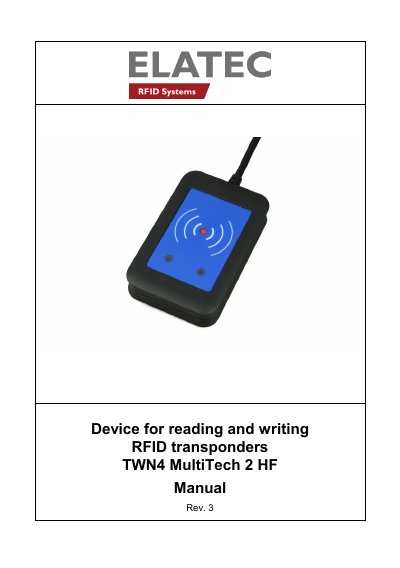
This manual guides users through connecting, powering up, initializing, and operating the TWN4 MultiTech 2 HF RFID reader. It includes instructions for USB and RS232 connections, transponder detection, and suspend mode. Safety and compliance notes are also provided for RF usage and FCC/Canada regulations.
The device operates at 13.56 MHz for contactless RFID reading and writing. It emits beeps and LED signals to indicate status and transponder detection. Users are advised to maintain a 2 cm distance for safe operation.
It is an integrated device for contactless read/write operations on a transponder card in the frequency range of 13.56 MHz.
It can be connected to a host via USB or RS232 cables.
The device sends the ID to the host, sounds a beep, turns off the green LED, blinks the red LED for two seconds, then turns the green LED back on.