
How to use TWN4 config cards
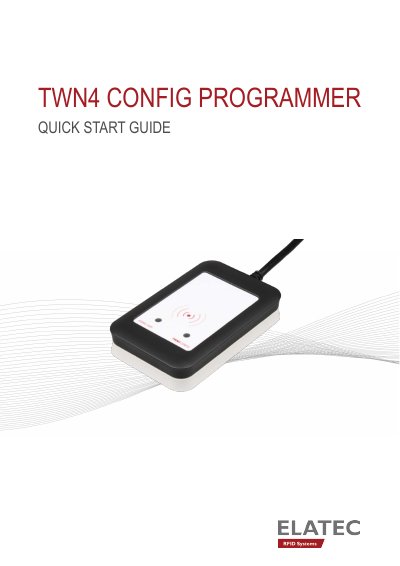
The Elatec TWN4 Config Programmer is a device used to create and read TWN4 configuration cards. The package includes the programmer, ten cards, a USB memory stick, and a snap-in holder. The device requires firmware version V1.00 and is compatible with TWN4 readers running firmware V3.04 or later.
To use the programmer, connect it to a PC and use the AppBlaster software. Users can program the TWN4 reader to accept configuration cards by loading a specific firmware image. Additionally, the software allows users to create new configuration cards on blank cards or overwrite existing ones, and to read the information stored on the cards.
| Firmware Version | V1.00 |
|---|---|
| Compatible Reader Firmware | V3.04 or later |
| Package Contents | Programmer, 10 cards, USB stick, holder |
The TWN4 Config Programmer uses Firmware V1.00.
TWN4 readers must be compatible with Firmware V3.04 or later to understand the configuration cards.
Connect the programmer to a PC, open AppBlaster, center a blank card on the programmer, and click the 'Create Config Card' button.