
MicroDraw is the design software for the Micron printer. It has multiple language support, fully Unicode compatible, support for non-Western characters, variable resolution setting, cost calculation feature and support for linear and 2D barcodes.
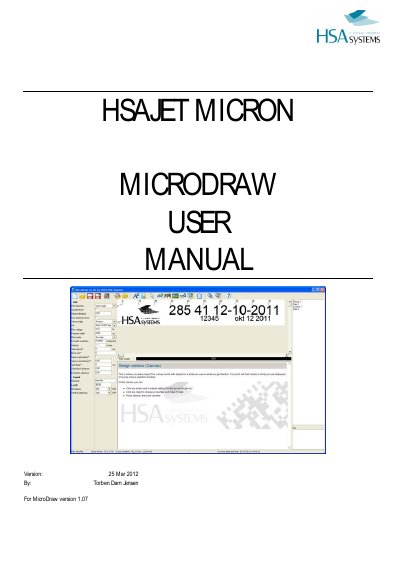
This manual provides step-by-step instructions for using MicroDraw, the design software for HSAJET Micron printers. It covers creating and editing layouts, working with fixed and variable objects, adjusting program settings, and cost calculation. The software supports multiple languages, Unicode, and variable resolutions from 50 to 600 dpi. Users can save layouts, transfer them to USB, and customize fonts and print settings. The manual also includes help for troubleshooting and support contact details.
| Resolution (Horizontal) | 50 to 600 dpi |
|---|---|
| Resolution (Vertical) | 300, 225, 200, 150 DPI (0%, 25%, 33%, 50% ink reduction) |
| Maximum Layout Length | 2400 pixels (approx. 8 inches) |
| Print Speed | 75 dpi: 302 m/min to 600 dpi: 38 m/min |
Approximately 20 cm.
Select "save as" in the toolbar, enter a name, and press accept.
Create a new language file by copying the English file, renaming it, translating the content, and loading it from program settings.