
Key facts
- Manuals
- 1
- Languages
- EN
- Last added
- 2023-10-19
Featured HSAJET manuals
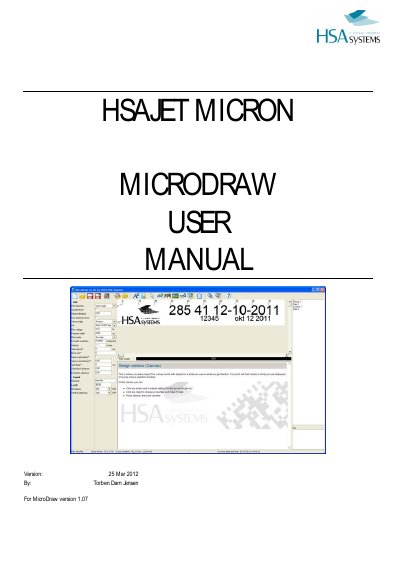
HSAJET MICRON MICRODRAW User Manual
This manual provides step-by-step instructions for using MicroDraw, the design software for HSAJET Micron printers. It covers creating and editing layouts, working with fixed and variable objects, adjusting program settings, and cost calculation. The software supports multiple languages, Unicode, and variable resolutions from 50 to 600 dpi. Users can save layouts, transfer them to USB, and customize fonts and print settings. The manual also includes help for troubleshooting and support contact details.
Covers: Introduction · Main Program Window · Basic Functions – Quick Overview · Working with Fixed Objects · Working with Variable Objects · Program Settings
Latest HSAJET manuals
HSAJET MICRON MICRODRAW User Manual
User Manual 33 pages · 1.1 MB · ENUser guide for MicroDraw software used to design layouts for HSAJET Micron printers, covering fixed/variable objects, settings, and cost calculation.
Which document do I need?
User Manual
Day-to-day operation, settings and troubleshooting. Start here if the product is already set up.
Questions answered in HSAJET manuals
What is the maximum print length in 300 dpi?
Approximately 20 cm.
How can I save a layout under a different name?
Select "save as" in the toolbar, enter a name, and press accept.