
This document is the user manual for PROFINET interface of NTI AG company. The main content includes system overview, installation, connection, parameters, variables, modules, state machine, diagnosis, error codes and warning words
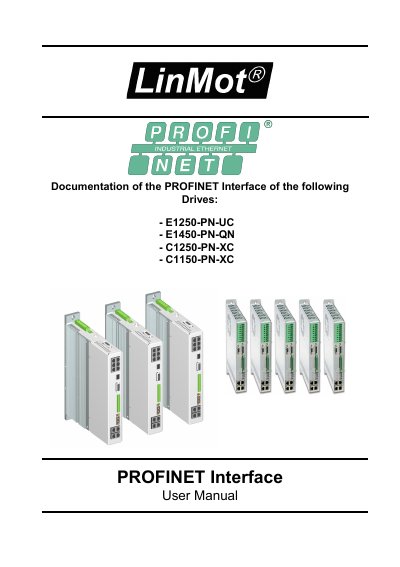
This document serves as a user manual for the PROFINET interface on specific LinMot servo drives, including models E1250-PN-UC, E1450-PN-QN, C1250-PN-XC, and C1150-PN-XC. It provides instructions on installing the PROFINET-IO firmware using LinMot-Talk software and details the pin assignments for the Ethernet/IP connectors.
| Supported Drive Models | E1250-PN-UC, E1450-PN-QN, C1250-PN-XC, C1150-PN-XC |
|---|---|
| Connector Type | Standard RJ45 female connector |
| Cable Specification | Cat5e Cable (twisted pair, S/UTP, AWG26) |
Start the LinMot-Talk software, press the install firmware button, choose the firmware file, and select 'PROFINET' when asked for the interface software.
The connector follows the EIA/TIA T568B standard with specific wire color codes for pins 1 through 8.