
LinMot EtherCAT Interface User Manual

This document is the EtherCAT Interface User Manual, which introduces the EtherCAT interface configuration methods of C1150-EC-XC, C1250-EC-XC, E1250-EC-UC, E1450-EC-QN drives.
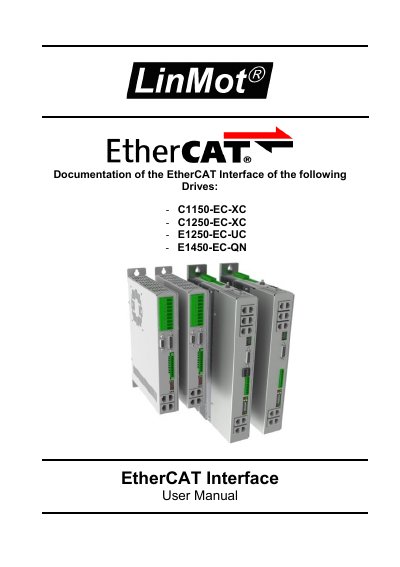

LinMot EtherCAT Interface User Manual - cover page
Brand
LinMot
Category
Industrial Robot
Document type
User Manual
Language
English
Pages
70
File format
PDF
File size
2.1 MB
Published
19 October, 2023
Updated
19 October, 2023
MD5 checksum
920936A53A5EE948FC149A8EA40DB943

About this manual

This user manual explains how to configure and use LinMot's EtherCAT interface for compatible drives. It covers setup in a PLC, Process Data Object (PDO) configuration, and asynchronous configuration protocols. The manual includes detailed tables for input and output PDO modules, parameter services, and command tables. It also describes connecting the interface and using TwinCAT demo programs for integration. The document is intended for technicians and engineers setting up EtherCAT networks with LinMot drives.

What's inside

  • System Overview
  • Setup in the PLC
  • Process Data Object (PDO) Configuration
  • Asynchronous Configuration Protocol AOE
  • Asynchronous Configuration Protocol COE
  • EtherCAT Parameters and Variables
  • Connecting to the EtherCAT Network
  • TwinCAT Demo Program
  • Contact Addresses

Frequently asked questions

Which RJ45 connectors are used for EtherCAT input and output?

The right realtime RJ45 connector (X17) is the input and the left realtime RJ45 connector (X18) is the output.

What is the default size of the input PDO module?

The default input PDO mapping is 18 Bytes.

What is the default size of the output PDO module?

The default output PDO mapping is 24 Bytes.

Download PDF (2.1 MB)

More LinMot Manuals


View all LinMot manuals →