
miniMon CAN Monitoring Tool is software for monitoring CAN networks and it can be used to analyze the communication status of CAN networks.
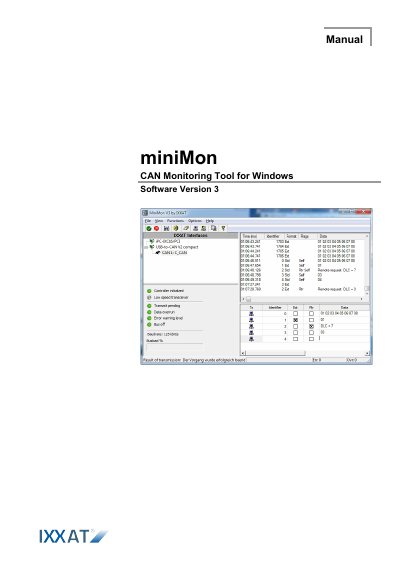
This manual explains how to use the miniMon V3 software for monitoring and transmitting CAN bus messages on Windows. It covers starting the program, configuring CAN controllers, receiving and transmitting messages, and logging data. The software is part of the VCI V3 and requires a compatible CAN interface.
The main window displays available CAN interfaces, controller status, received messages, and transmit messages. Users can configure bit rates, filter messages, and set up cyclic transmissions. Logging is supported in CSV format for further analysis.
It enables online monitoring of bus traffic on the CAN bus and the transmission of individual CAN objects.
Up to 5 transmit messages can be set up.
The received messages are stored in a CSV file format.