
Viavi FiberChek Video Inspection Probe Quick Start Guide

Introduce the characteristics of FiberChek Video Inspection Probe
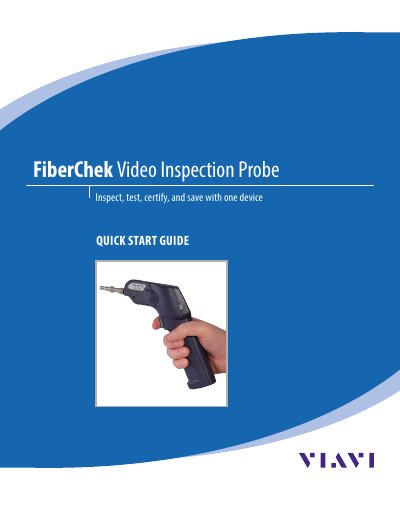

Viavi FiberChek Video Inspection Probe Quick Start Guide - cover page
Brand
Viavi
Category
Other Electronics
Document type
Quick Start Guide
Language
English
Pages
12
File format
PDF
File size
940 KB
Published
19 October, 2023
Updated
19 October, 2023
MD5 checksum
DD0A3371FA510D0213C69B8F265F3666

About this manual

The Viavi FiberChek Video Inspection Probe is a standalone device designed for inspecting fiber optic interconnects to ensure optimal network performance. It features a color touchscreen display and supports Wi-Fi and Bluetooth connectivity for data transfer and software updates. The device allows users to perform critical maintenance tasks such as inspecting for debris or damage on fiber connectors.

What's inside

  • Introduction
  • Overview
  • Using the Menu
  • Getting Started with PASS/FAIL Analysis
  • Setting up PASS/FAIL Analysis
  • Performing PASS/FAIL Analysis
  • Working with Groups
  • Syncing FiberChek with FiberChekPRO
  • Using the MP-60 Optical Power Meter

Frequently asked questions

What is the FiberChek Video Inspection Probe used for?

Inspect, test, certify, and save with one device.

How do you start PASS/FAIL analysis on the FiberChek?

Press and hold the Autofocus/Inspection Trigger to focus and perform analysis.

What does a green screen indicate during analysis?

A green screen with a "check" graphic indicates a PASS result.

Download PDF (940 KB)

More Viavi Manuals


View all Viavi manuals →