
Konica Minolta magicolor 5450 Multifunction Printer User Manual

Konica Minolta magicolor 5450 is a multifunction printer that supports connection to computers, Macintosh and Linux.
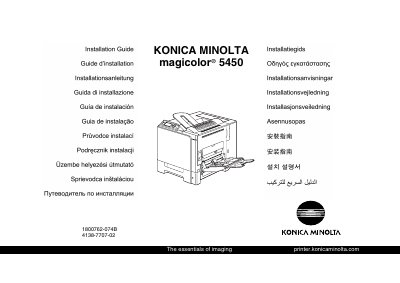

Konica Minolta magicolor 5450 Multifunction Printer User Manual - cover page
Brand
Konica Minolta
Category
Printer
Document type
User Manual
Language
English
Pages
7
File format
PDF
File size
938 KB
Published
19 October, 2023
Updated
19 October, 2023
MD5 checksum
05A3AD05C5C45FD620E30371070A8CB1

About this manual

This document serves as the User's Guide for the Konica Minolta magicolor 5450 multifunction printer. It provides essential information regarding the device, including physical dimensions and weight specifications found on the initial pages. The guide also details the software utilities available for the device and outlines the necessary steps for installation and setup.

What's inside

  • General Information
  • Software Utilities
  • Installation
  • System Requirements
  • Operating Systems

Specifications

Weight36 kg (79 lbs)
Paper CapacityMax. 500 sheets
Paper Weight Range60-90 g/m2 (16-24 lb)
InterfaceEthernet, USB

Frequently asked questions

What is the maximum paper capacity of the Konica Minolta magicolor 5450?

The maximum paper capacity is 500 sheets.

What is the weight of the Konica Minolta magicolor 5450?

The printer weighs 36 kg or 79 lbs.

What are the supported paper weights for the Konica Minolta magicolor 5450?

The supported paper weights are 60-90 g/m2 or 16-24 lb.

Download PDF (938 KB)

More Konica Minolta Manuals


View all Konica Minolta manuals →