
Lion Precision Spindle Error Analyzer Version 8 instruction manual
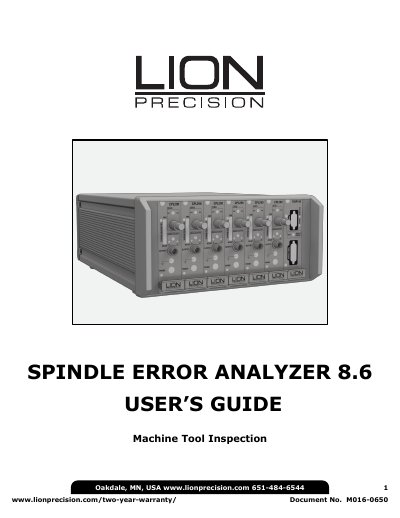
This user's guide explains how to install, configure, and operate the Lion Precision Spindle Error Analyzer Version 8.6 software and hardware. It covers setup of the data acquisition system, calibration, probe mounting, and running tests according to ISO and ANSI/ASME standards. The guide also details navigation, plot interpretation, and utility functions for saving and printing results.
The system uses noncontact capacitive sensors to measure spindle error motions, with features like FFT analysis, oscilloscope display, and automated testing. It requires a National Instruments USB-6251 DAQ system and a security key for active measurements, though viewing saved data does not require the key.
| Software Version | 8.6 |
|---|---|
| Minimum RAM | 1 GB (desktop), 1.5 GB (laptop) |
| DAQ Hardware | National Instruments USB-6251 |
| Sensor Range | 250µm |
| Resolution | 15nm RMS |
It performs tests according to ISO and ANSI/ASME standards, including radial and axial error motion, thermal stability, and temperature variation error.
Yes, select Display > Configuration Displays > General Configuration, choose the desired language from the drop-down menu, then restart the software.