
The purpose of this quick reference guide is to provide a simple set of instructions for using the single sign-on external (SSOe) authentication system to log in to HealthShare Referral Manager (HSRM). The guide also outlines the general process for obtaining access to HSRM for community providers.
This guide explains how community providers can register for and use single sign-on external (SSOe) authentication to access HealthShare Referral Manager (HSRM). It outlines steps to create an ID.me account, verify identity, enable two-factor authentication, and log in. After account setup, users must be provisioned by submitting an end user tracker to the HSRM Help Desk to gain access.
The guide also includes login instructions for users with existing ID.me accounts and contact information for support via phone or email.
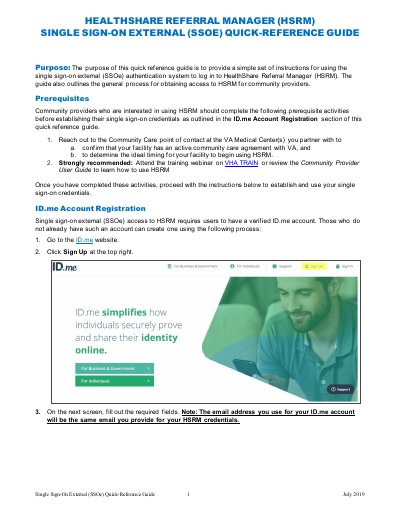
Go to the ID.me website, click Sign Up, fill out required fields, and verify your email address via the confirmation email.
Community providers must confirm their facility has an active community care agreement with VA and determine the ideal timing for using HSRM.