
This manual provides an overview of the Envoy II / CVX Server and provides detailed instructions on how to install, connect, and use the Envoy II / CVX Server.
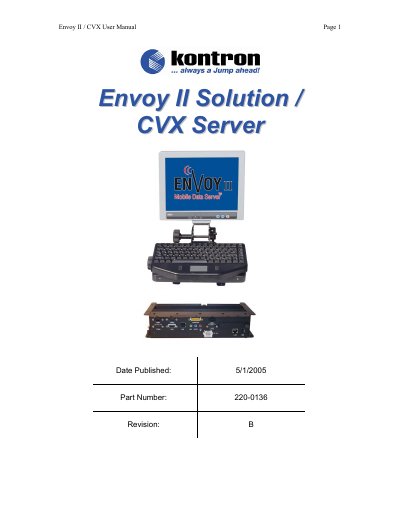
The Kontron Envoy II / CVX Server is a rugged, lightweight, aluminum alloy mobile computing device designed for industrial, commercial, and office use. It features a QS3 CPU module with an Intel Mobile Pentium M processor, 512 MB of standard SDRAM (upgradable to 1 GB), and supports Windows 2000 and Windows XP Professional operating systems. The system includes a 40 GB master removable hard drive with an optional 60 GB upgrade and a 12.1-inch LVDS LCD touch screen display.
| Processor | QS3 CPU module with 1.70 GHz (or higher) Intel Mobile Pentium M processor |
|---|---|
| Memory | 512 MB standard SDRAM (upgradeable to 1 GB) |
| Hard Drive | 40GB master removable hard drive (60GB upgrade available) |
| Display | 12.1" LVDS LCD touch screen |
| Operating System | Windows 2000 and XP Professional |
| PCMCIA Slots | 2 PCMCIA slots accept two type II devices or one type III device |
No, the battery is not user-replaceable and only batteries supplied by Kontron with the cited nominal values (3.3V) may be used.
The system supports Windows 2000 and Windows XP Professional operating systems.
Yes, the 40GB master removable hard drive has a 60GB upgrade available.