
This manual describes the product specifications, usage instructions, installation guide, troubleshooting, etc. of Kontron OPS-compliant Media Player KOPS800 and Digital Signage Evaluation Kit (DSEK-12).
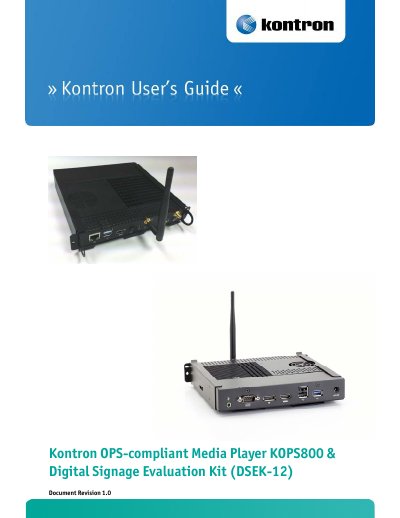
This manual provides detailed instructions for using the Kontron KOPS800 media player and its accompanying DSEK-12 evaluation kit. It covers safe usage guidelines, product specifications including CPU, memory, and wireless features, installation steps, BIOS configuration, and troubleshooting tips. The DSEK-12 includes pre-configured software and hardware for rapid digital signage prototyping. Support resources and regulatory compliance information are also included.
| Models | KOPS800, DSEK-12 |
|---|---|
| Chassis | EG Steel / aluminum |
| Memory | 4/8 GB DDR2 |
| CPU | Intel® Core i5-3610ME 2x2.7GHz, 35W or Intel® Core i7-3610ME 2x3.4GHz, 35W |
| Wireless | Built-in WiFi: 802.11 a/b/g/n (2.4GHz/5GHz); Optional 3G modem: WCDMA/HSPA 850/900/1900/2100 |
| Audio and Video | HDMI port for HD video out, Analog audio in/output |
| Power Rating | 35W |
| Environment | Altitude up to 2000m, Non-tropical climate |
Intel® Core i5-3610ME 2x2.7GHz, 35W or Intel® Core i7-3610ME 2x3.4GHz, 35W.
Built-in WiFi: 802.11 a/b/g/n (2.4GHz/5GHz); Optional 3G modem: WCDMA/HSPA 850/900/1900/2100.
Do not expose to liquid, high temperature, open flame; do not drop, disassemble or modify; turn off power before connecting/disconnecting cables.