
This is a user guide, which introduces how to use Kontron's BIOS FOR RYZEN EMBEDDED product
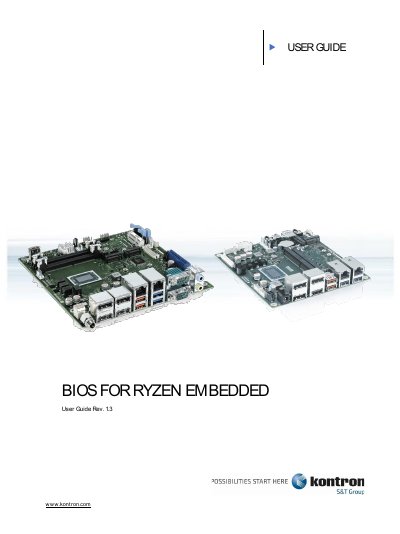
This document serves as a user guide for the Kontron BIOS for Ryzen Embedded platform, specifically covering the Aptio V UEFI BIOS. It details the procedures for starting the BIOS setup program and navigating through various configuration menus.
The guide explains how to access the UEFI BIOS Setup program by pressing the F2 key during the POST process. It describes the navigation hot keys available in the legend bar and outlines the structure of the Setup utility, which includes menus for Main, Advanced, Security, Power, Event Logs, Boot, and Save & Exit settings. This manual is written in Chinese.
| BIOS Type | Aptio V UEFI BIOS |
|---|---|
| Total Memory | 4096 MB (DDR4) |
Power on the board, wait for the first characters to appear on the screen, and press the < F2> key.
Press the
Press the