
The document introduces how to install PM-1 software, including the precautions for Windows 2000 users.
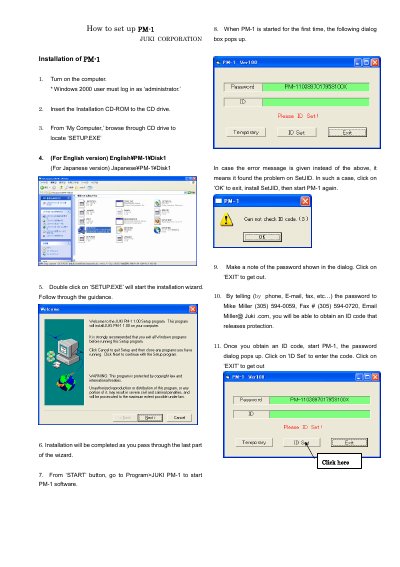
This document provides step-by-step instructions for installing the JUKI PM-1 software on a Windows 2000 computer. It details the process of running the setup wizard from the installation CD-ROM and launching the application via the Start menu.
Click 'OK' to exit, install SetJID, and then start PM-1 again.
You must enter an ID code to start PM-1 after installation.
Click ‘OK’ to exit, install SetJID, then start PM-1 again.
The password is shown in the dialog box and must be communicated to obtain an ID code.