
This document is the product manual for PIC-6004A display. It introduces the size, power, input range and other information of the display.
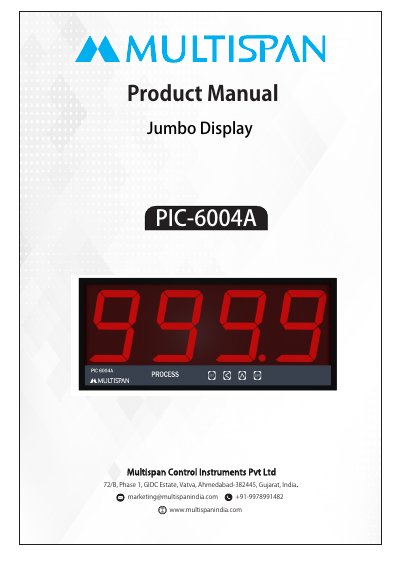
This manual provides instructions for configuring and installing the Multispan PIC-6004A display. It details input voltage and current ranges, display dimensions, and power requirements. Safety precautions are emphasized, including electrical safety and installation guidelines. The document also covers maintenance, warranty, and contact information for support.
The display supports single or dual configurations with selectable input ranges (0-10V DC, 0-20mA DC, 4-20mA DC) and a display range of -999 to 9999. It is rated for 100-250V AC and includes IP-65 front protection. Configuration is done via menu settings using specific key combinations.
| Display Size (Single) | 165(H) X 380(W) X 50(D)mm |
|---|---|
| Display Size (Dual) | 165(H) X 380(W) X 75(D)mm |
| Input Voltage Range | 0 To 10V DC |
| Input Current Range | 0 To 20mA DC, 4 To 20mA DC |
| Display Range | -999 to 9999 |
| Power Supply (Single) | 100 To 250V AC, 50/60 Hz, Approx 4VA |
| Power Supply (Dual) | 100 To 250V AC, 50/60 Hz, Approx 7VA |
| Display Protection | IP-65 (Front side) |
| Accuracy | ±1% of FSD |
The input ranges are 0-10V DC, 0-20mA DC, and 4-20mA DC (selectable).
The display range is selectable from -999 to 9999.
Single: 100-250V AC, 50/60 Hz, approx 4VA; Dual: 100-250V AC, 50/60 Hz, approx 7VA.
Use the SET + key to enter parameter menu, press key to confirm changes, and press key to save and exit.