
This is the JaNets JT Simple Instruction Manual. It mainly introduces the terminal operation and report system usage methods of JaNets JT Simple, including display, output quantity correction, maintenance call, confirmation and change of machine settings, dashboard, progress management monitor, sewing machine operation rate chart, etc.
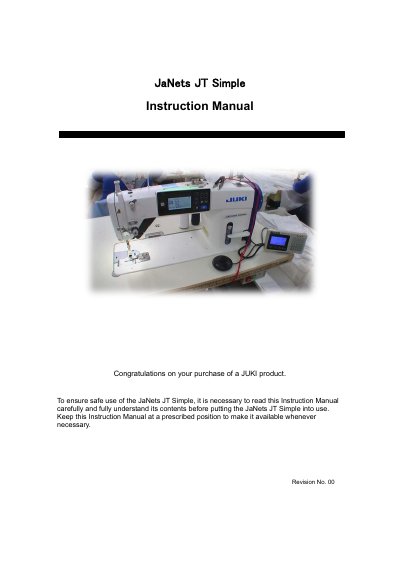
This manual explains how sewing machine operators use the terminal to monitor output and manage maintenance calls. It also details how line managers use the report system to track production metrics, including operation rates, output quantities, and net processing times. The guide covers terminal display functions, data correction, maintenance call procedures, and troubleshooting for system issues.
While the power is on, the terminal displays target and actual output quantities, current progress percentage, count condition, and thread trimming count.
Use the A key and V key to correct the actual output quantity after a sewing failure or trial stitching.
Press the M3 key to display a confirmation screen, then use the A key and V key to select "Yes" and press the OK key to initiate the maintenance call.