
This manual is for the Busch-ControlTouch® 6136/APP and explains the product's functions, characteristics, usage, installation and maintenance.
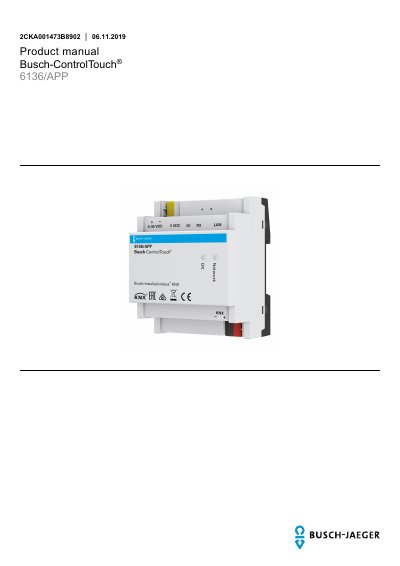
The Busch-Jaeger ControlTouch 6136/APP is a device designed for the direct operation of building automation systems using Apple, Android, or PC devices. It connects to KNX systems via a direct connection inside the building or via the Internet for remote access. The device allows users to view switch and dimmer statuses and control them without complex programming through an associated app.
| Auxiliary voltage | 5 - 36 VDC |
|---|---|
| Power consumption | 250 mA (at 5 VDC) |
| Memory | 4GB eMMC (flash), 256 MB DDR2 RAM |
| Processor | Cortex A5 |
| Ambient temperature | 0°C - +70°C |
| Protection type | IP 20 |
The device is designed for interior areas of buildings to operate building automation systems using Apple, Android, or PC devices via KNX or Internet.
Installation, commissioning, and maintenance must only be carried out by trained and properly qualified electrical installers.