
The Busch-Jaeger ComfortTouch® 9 8136/09-811-500 (CP/U 9.3.1) user manual provides operation, safety, environmental, and maintenance instructions for the…
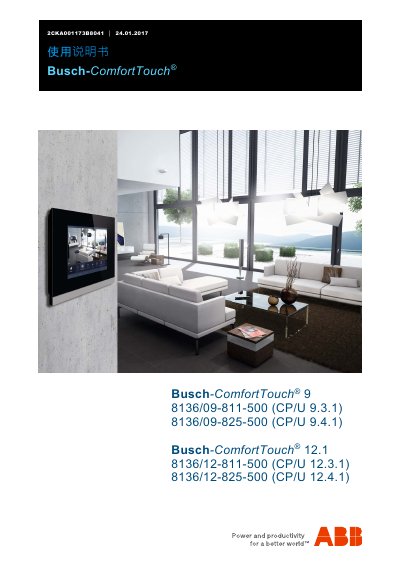
The Busch‑Jaeger ComfortTouch® is a high‑quality colour touch screen used as the central switch and monitoring console in building‑automation systems. It offers a 9‑inch (23 cm) or 12.1‑inch (31 cm) display, fan‑less cooling, USB 2.0, SD‑card storage up to 64 GB, and LAN/WLAN connectivity.
The manual is organized into sections covering safety tips, environmental requirements, product overview, functional overview, detailed operation instructions, cleaning procedures, system settings, and device information. It also includes guidance for firmware updates, file import/export, and remote access via the Busch‑ComfortTouch App. This manual is written in Chinese.
| Display size (9‑inch) | 23 cm (9 in) with 800×480 px resolution |
|---|---|
| Display size (12.1‑inch) | 31 cm (12.1 in) with 800×1280 px resolution |
| USB interface | USB 2.0 |
| SD‑card slot | Supports up to 64 GB SD/SDHC/Micro‑SD cards |
| Network connectivity | LAN or WLAN |
| Cooling method | Fan‑less cooling solution |
Use a slightly damp cloth to wipe the device; if needed, a mild soap solution can be used. Do not use corrosive cleaners or solvents.
Install the device only in a dry indoor environment, avoid moisture, do not insert objects into openings, and limit service to authorized electrical engineers.
Before upgrading, export the current project file via System → Import/Export, then perform the firmware upgrade.