
This file is the CipherLab 8000 Quick Start Guide, which introduces the use of CipherLab 8000 data terminal and its application generator
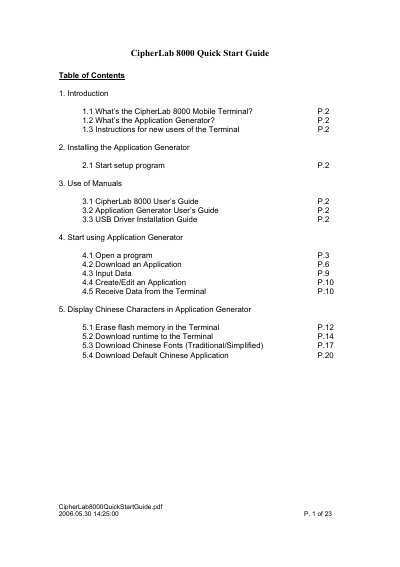
This document serves as a quick start guide for the CipherLab 8000 Data Terminal and its accompanying Application Generator software. It provides instructions for new users on how to set up the software on a PC and begin using the terminal for data collection and application management.
The guide covers essential steps including installing the Application Generator, opening programs, downloading applications to the device via a cradle, and inputting data. It also details how to receive data from the terminal and how to download default Chinese language applications.
It is a Data Terminal designed for data collection and application usage.
Insert the CD-ROM into your drive, or manually run D:\setup.exe from the taskbar Start Menu.
The terminal will show an error message 'No executable program' when choosing the 'Collect' function.