
Itron Mobile Radio Quick Reference Guide, this document is a quick reference guide for Itron Mobile Radio. It introduces the use, common problems and troubleshooting methods of Itron Mobile Radio
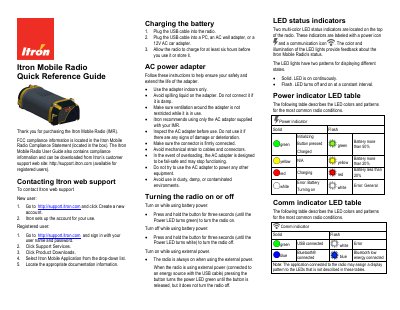
This document serves as a quick reference guide for the Itron Mobile Radio (IMR). It provides essential instructions for charging the device, interpreting LED status indicators for power and communication, and troubleshooting common issues. The guide also details safety practices and tips for optimizing radio signal reception.
| Charging time | at least six hours |
|---|---|
| Comm LED color (Bluetooth connected) | blue |
Press and hold the button for three seconds until the Power LED turns green.
Use the Itron Bluetooth Pairing Tool to force a Bluetooth Classic connection, as Windows Settings may show both BLE and Classic entries.