
GoIP Series SIM Card for GSM Voice Gateway User Manual, introduce product features, installation, setting and other information
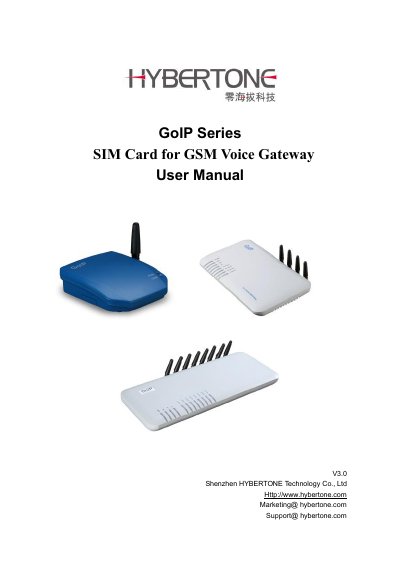
This document provides detailed instructions for installing and configuring the HYBERTONE GoIP Series GSM Voice Gateway. It covers hardware setup, network and call settings, SMS functionality, and system management tools. The gateway supports SIP and H.323 protocols, enabling seamless VoIP-to-GSM communication. It includes models GoIP-GSM, GoIP_4, and GoIP_8 with varying VoIP and GSM channel capacities.
The manual also explains LED indicators, power requirements, and factory default parameters. Users can configure languages, time zones, call forwarding, and firewall penetration settings. The device runs on Linux OS with embedded HTTP access and supports online upgrades and password management.
| Processor | ARM9E 133MHz |
|---|---|
| DSP | VPDSP101 95MHz |
| RAM | 16M |
| FLASH | 4M |
| Power Input | 100V to 240V |
| Operating Temperature | 0-40℃ |
| Operating Humidity | 40%-90% Not Congealed |
| Default LAN Setting | Dynamic IP (DHCP) |
| Default PC IP | 192.168.8.1 |
| Default Time Zone | GMT+8 |
GoIP_8 supports 8 VoIP channels and 8 GSM channels.
The SIM card supports the GSM 900M/1800M and GSM 850M/1900M bands.
The maximum power consumption for the GoIP_8 model is 20 W.
The default password for the device is 1234.