
HyberTone Technology VoIP Router RP-104 is a dedicated pre-encryption router specifically designed for IP telephone terminals using H.323 and SIP protocols. It supports various network access methods and has a built-in DHCP server. Users can enhance communication security by using the free server encryption software (Relay) developed by HyberTone.
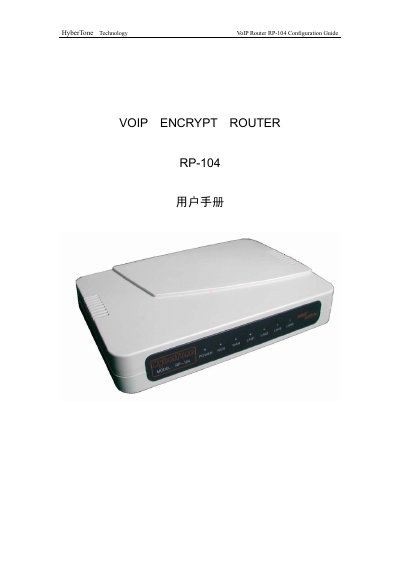
The RP-104 is a dedicated VOIP router designed for H.323 and SIP IP‑phone terminals, offering built‑in DHCP, encryption support and multiple network connection options. It is intended for use with Zero Altitude's encryption software to secure voice traffic.
The manual covers device connection, login procedures, status monitoring, system configuration (basic options, WAN/LAN settings, call settings, advanced routing), system tools such as online upgrade and password change, factory reset, and help information. Each section includes step‑by‑step instructions and screenshots of the web interface. This manual is written in Chinese.
| Default LAN IP address | 192.168.8.1 |
|---|---|
| Default admin username | admin |
| Default admin password | admin |
| Supported VOIP protocols | H.323, SIP |
| Number of port‑mapping rules | 10 |
Press a small needle into the reset hole on the back of the RP-104; the device will restart and restore factory settings.
The default LAN gateway is 192.168.8.1.