
This document is the operating manual of MQ03-LTE-M-FIRE cellular communicator, mainly including the product features, installation and use methods, and precautions.
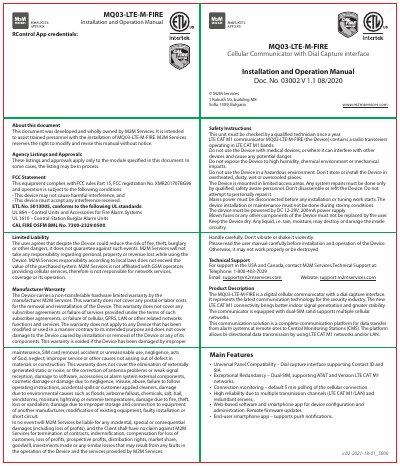
This manual provides step-by-step instructions for installing and operating the MQ03-LTE-M-FIRE cellular communicator, including wiring, mounting, and programming guidelines. It covers safety precautions, FCC compliance, and troubleshooting tips for ensuring proper functionality. The device supports dual-SIM LTE CAT M1 networks and integrates with alarm systems for remote communication with central monitoring stations.
The communicator requires a UL-listed enclosure, proper antenna installation, and panel programming to function correctly. It includes LED status indicators for connection status and supports configuration via a mobile app for remote management and firmware updates.
| Connectivity | LTE CAT M1 |
|---|---|
| SIM Support | Dual-SIM |
| Power Supply | DC 12-29V, 200mA |
| Antenna Type | SMA connector, external |
The device must be powered by DC 12-29V, 200mA power supply.
The device carries a non-transferable hardware limited warranty by the manufacturer M2M Services, excluding labor, postal, or damage from misuse or environmental factors.
The antenna must be installed on top of the enclosure, using a magnet or double-sided adhesive tape, positioned perpendicular to the ground, away from RF interference.
LED off = not connected or power out; slow flashing = no signal; constantly on = good connection; fast flashing = data transfer.