
Key facts
- Manuals
- 1
- Languages
- EN
- Last added
- 2023-10-19
Featured M2M Services manuals
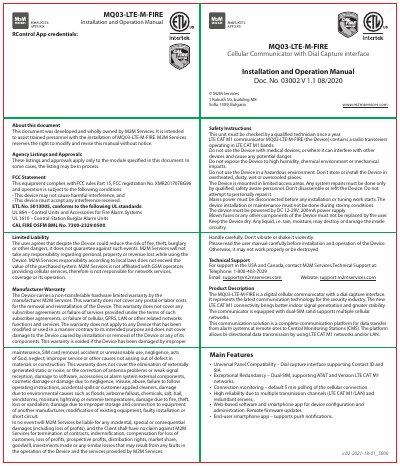
M2M Services MQ03-LTE-M-FIRE Cellular Communicator Installation and Operation Manual
This manual provides step-by-step instructions for installing and operating the MQ03-LTE-M-FIRE cellular communicator, including wiring, mounting, and programming guidelines. It covers safety precautions, FCC compliance, and troubleshooting tips for ensuring proper functionality. The device supports dual-SIM LTE CAT M1 networks and integrates with alarm systems for remote communication with central monitoring stations.
The communicator requires a UL-listed enclosure, proper antenna installation, and panel programming to function correctly. It includes LED status indicators for connection status and supports configuration via a mobile app for remote management and firmware updates.
Covers: About this document · Agency Listings and Approvals · FCC Statement · Limited Liability · Manufacturer Warranty · Safety Instructions
Latest M2M Services manuals
M2M Services MQ03-LTE-M-FIRE Cellular Communicator Installation and Operation Manual
Installation Guide 2 pages · 1.4 MB · ENInstallation and operation guide for M2M Services' MQ03-LTE-M-FIRE cellular communicator with dial capture interface.
Which document do I need?
Installation Guide
Mounting, wiring and first power-up. Read it before the hardware goes in.
Questions answered in M2M Services manuals
What power supply does the MQ03-LTE-M-FIRE require?
The device must be powered by DC 12-29V, 200mA power supply.
From: M2M Services MQ03-LTE-M-FIRE Cellular Communicator Installation and Operation Manual
What is the warranty coverage for the MQ03-LTE-M-FIRE?
The device carries a non-transferable hardware limited warranty by the manufacturer M2M Services, excluding labor, postal, or damage from misuse or environmental factors.
From: M2M Services MQ03-LTE-M-FIRE Cellular Communicator Installation and Operation Manual