
HandyTrac Touch Key Control System User Guide

This document is a product usage manual for HandyTrac Touch Key Control System. It introduces the system hardware installation, power connection, network connection, system initialization and system usage.
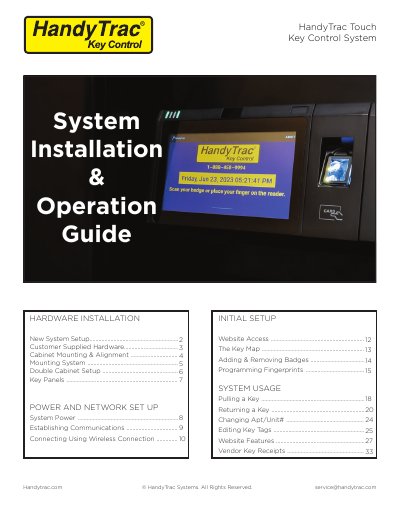

HandyTrac Touch Key Control System User Guide - cover page
Brand
HandyTrac Systems
Document type
User Manual
Language
English
Pages
36
File format
PDF
File size
7.9 MB
Published
18 October, 2023
Updated
18 October, 2023
MD5 checksum
6E234D70B8B13119E8C2AE29D02C61C3

About this manual

This guide provides step-by-step instructions for installing and operating the HandyTrac Touch Key Control System. It covers mounting cabinets and key panels, setting up power and network connections (wired or wireless), initial system configuration, and managing keys and badges. The guide also explains how to use the system for pulling, returning, and editing keys, as well as accessing website features and vendor key receipts.

What's inside

  • New System Setup
  • Customer Supplied Hardware
  • Cabinet Mounting & Alignment
  • Mounting System
  • Double Cabinet Setup
  • Key Panels
  • System Power
  • Establishing Communications
  • Connecting Using Wireless Connection
  • Website Access

Frequently asked questions

What is the minimum power rating required for the Uninterruptible Power Supply?

The Uninterruptible Power Supply must have a minimum rating of 450VA.

How many screws are required to mount the cabinet to ensure proper alignment?

A minimum of nine screws are required for mounting the cabinet.

What is the recommended height for stacking the system shipping box and key cabinet shipping box?

Stacking the boxes creates a platform that is 44 inches high.

Download PDF (7.9 MB)