
Key facts
- Manuals
- 1
- Languages
- EN
- Last added
- 2023-10-18
Featured HandyTrac Systems manuals
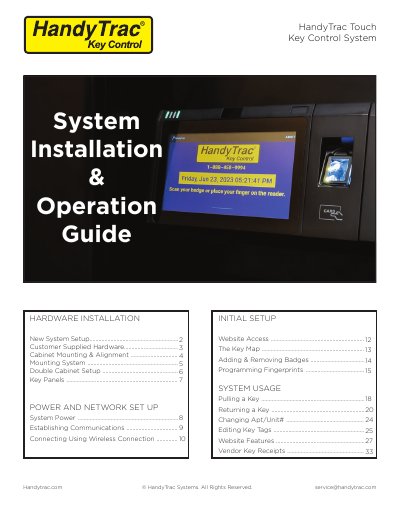
HandyTrac Touch Key Control System User Guide
This guide provides step-by-step instructions for installing and operating the HandyTrac Touch Key Control System. It covers mounting cabinets and key panels, setting up power and network connections (wired or wireless), initial system configuration, and managing keys and badges. The guide also explains how to use the system for pulling, returning, and editing keys, as well as accessing website features and vendor key receipts.
Covers: New System Setup · Customer Supplied Hardware · Cabinet Mounting & Alignment · Mounting System · Double Cabinet Setup · Key Panels
Latest HandyTrac Systems manuals
HandyTrac Touch Key Control System User Guide
User Manual 36 pages · 7.9 MB · ENInstallation and operation guide for the HandyTrac Touch Key Control System, covering hardware setup, power, network, and key management.
Which document do I need?
User Manual
Day-to-day operation, settings and troubleshooting. Start here if the product is already set up.
Questions answered in HandyTrac Systems manuals
What is the minimum power rating required for the Uninterruptible Power Supply?
The Uninterruptible Power Supply must have a minimum rating of 450VA.
How many screws are required to mount the cabinet to ensure proper alignment?
A minimum of nine screws are required for mounting the cabinet.