
This is a user manual for Zewa Bluetooth Activity Tracker.
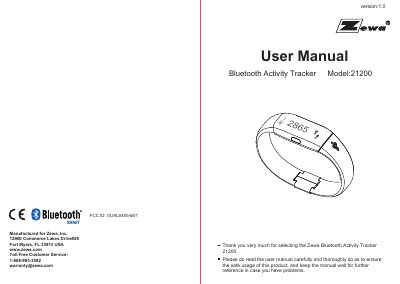
This user manual guides you through setting up and using the Zewa Bluetooth Activity Tracker 21200. It covers initial start-up, app pairing, charging, wearing instructions, data viewing, sleep tracking, and alarm functions. The device features an OLED display, Bluetooth 4.0 connectivity, and a 7-day data storage capacity. It also includes maintenance tips and troubleshooting for common issues like pairing failures or inaccurate readings.
The tracker is designed for fitness monitoring, displaying steps, distance, and calories. It syncs data with compatible smartphones and supports sleep tracking via the app. Battery life is up to 7 days with daily use, and the device can be charged via USB.
| Model | 21200 |
|---|---|
| Display | Blue OLED |
| Battery | 3.7V / 70mAh polymer lithium battery |
| Battery Life | ≥7 days |
| Bluetooth Version | 4.0 |
| Steps | 0-120000 steps |
| Calories | 0-12000.0 kcal |
| Weight | Approximately 22 g |
Download and install the Zewa app, turn on Bluetooth and the app, then press and hold the button on the tracker for 6 seconds to start pairing. The OLED will show alternating symbols during pairing.
Connect the USB interface to a computer or USB charger. The OLED will blink during charging and show a full charge symbol when complete.
The battery lasts up to 7 days with daily use, depending on usage intensity and settings.