
HandyTrac Key Control System Installation and Operation Guide

HandyTrac user guide, including system features, installation and operation.
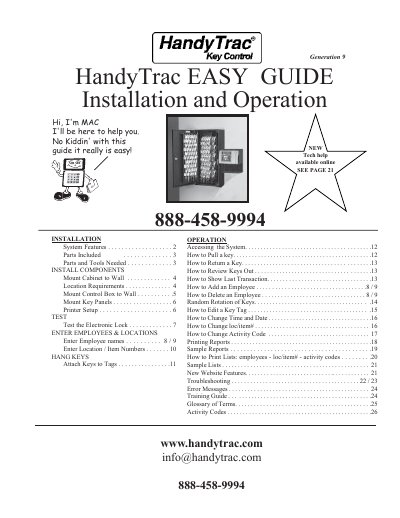

HandyTrac Key Control System Installation and Operation Guide - cover page
Brand
HandyTrac
Category
Industrial Supply
Document type
User Manual
Language
English
Pages
26
File format
PDF
File size
1.8 MB
Published
18 October, 2023
Updated
18 October, 2023
MD5 checksum
1AE060E64D4F48D0FBA0BFD99DDA3D6E

About this manual

This document is an installation and operation guide for the HandyTrac Key Control System. It details the system features, lists included parts, and provides step-by-step instructions for mounting the cabinet, control box, and key panels. The guide also covers location requirements and necessary tools for installation.

What's inside

  • System Features
  • Parts Included
  • Mount Cabinet to Wall
  • Mount Control Box to Wall
  • Mount Key Panels
  • Printer Setup
  • Test the Electronic Lock
  • Enter Employees & Locations
  • Hang Keys
  • Troubleshooting

Specifications

Maximum transactions in memory830
Key panel capacity50 keys per side
UPS backup timeup to 8 hours
Mounting weight capacity50 lbs
Distance from outletNo more than 5'

Frequently asked questions

What is the master badge PIN?

The PIN is the last four digits of the badge number.

What happens when the memory is full?

The system starts to overwrite previous transactions.

What should be done if the system does not function properly?

Check all connections and door alignment, or call tech support.

Download PDF (1.8 MB)

More HandyTrac Manuals


View all HandyTrac manuals →