
HandyTrac Hawk Data Log Instructions User Guide

This document introduces how to use HandyTrac Hawk DATA LOG software
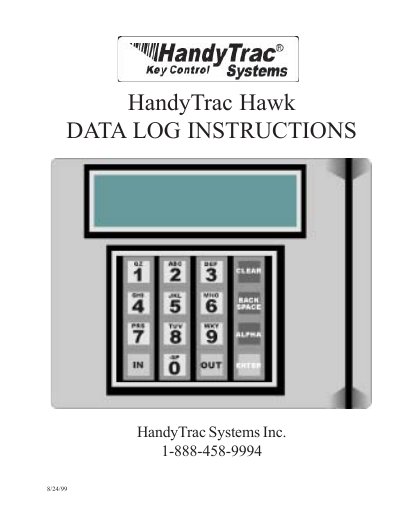

HandyTrac Hawk Data Log Instructions User Guide - cover page
Brand
HandyTrac
Document type
User Manual
Language
English
Pages
9
File format
PDF
File size
598 KB
Published
15 October, 2023
Updated
15 October, 2023
MD5 checksum
AD02C93C138BD3ABACDDE311BC1D8207

About this manual

The HandyTrac Hawk Data Log is a Windows-based software system designed to track, control, and report on key usage by authorized personnel. It allows users to gain immediate access via touchpad, limits access to specific individuals, and generates management reports for audit purposes. The system stores key usage history by employee and location.

What's inside

  • Introduction
  • Glossary of Terms
  • Accessing the System
  • How to Get a Key
  • How to Return a Key
  • Review Keys Out
  • Error Messages
  • Troubleshooting

Frequently asked questions

What should I do if the Data Log is 90% full?

You must perform the EOP (End of Period) report procedure immediately to prevent data loss.

What happens if the Data Log memory becomes full?

If the memory is full, the system will display a message and the oldest transaction data will be lost immediately.

How long does the backup power supply last?

A UPS power backup should be connected to the Data Log to afford at least 24 hours of backup power.

How many hours of free technical support are included with the warranty?

There is no charge for up to 5 hours of telephone tech support while the system is under warranty.

Download PDF (598 KB)

More HandyTrac Manuals


View all HandyTrac manuals →