
This is a user manual for Wolverine Airsoft STORM Category 5 High Pressure Air Regulator
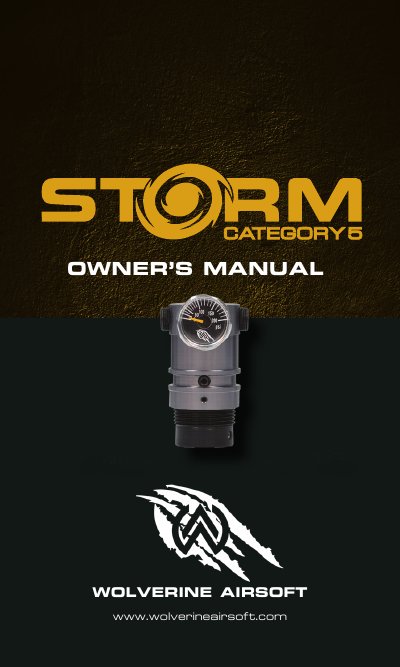
This manual provides instructions for installing, adjusting, and maintaining the Wolverine Airsoft STORM Category 5 regulator. It includes safety warnings, pressure adjustment methods, and maintenance procedures such as lubrication and disassembly. The regulator is designed for use with HPA tanks and features a tournament lock for competitive play.
The manual also includes a warranty registration guide and dealer locator for professional support. Maintenance is minimal, but lubrication of O-rings and internal components is recommended for long-term performance.
| Pressure Adjustment Range | 60-180 PSIG |
|---|---|
| Input Pressure Range | 300-1000 PSIG |
| Pressure Adjustment Rate | ~30 PSI/Turn |
| Recommended Service Time | 100,000 shots or every 6 months |
Adjust the pressure by turning the set screw on the front of the regulator using the included 3/32” hex key.
To engage the tournament lock, secure a ziptie in the channel that surrounds the pressure adjustment screw.
Service the regulator every 100,000 shots or every 6 months.