
Key facts
- Manuals
- 1
- Languages
- EN
- Last added
- 2023-10-18
Featured Wolverine Airsoft manuals
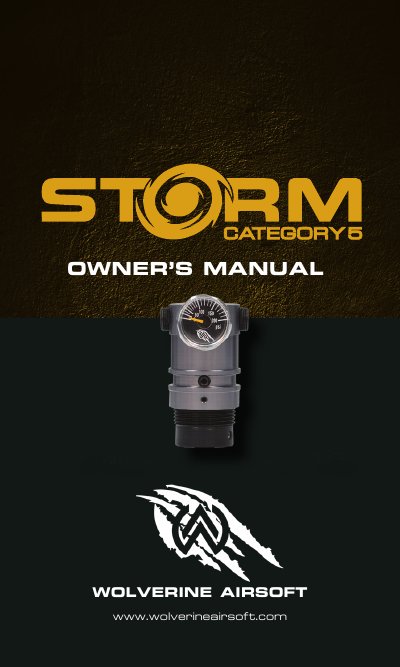
Wolverine Airsoft STORM Category 5 High Pressure Air Regulator User Manual
This manual provides instructions for installing, adjusting, and maintaining the Wolverine Airsoft STORM Category 5 regulator. It includes safety warnings, pressure adjustment methods, and maintenance procedures such as lubrication and disassembly. The regulator is designed for use with HPA tanks and features a tournament lock for competitive play.
The manual also includes a warranty registration guide and dealer locator for professional support. Maintenance is minimal, but lubrication of O-rings and internal components is recommended for long-term performance.
Covers: Important Safety Notices · Getting Started · Installation / Use · Maintenance · Don’t Forget to Register Your Warranty!
Latest Wolverine Airsoft manuals
Wolverine Airsoft STORM Category 5 High Pressure Air Regulator User Manual
User Manual 8 pages · 3.7 MB · ENUser manual for Wolverine Airsoft's STORM Category 5 high-pressure air regulator, covering installation, tuning, maintenance, and safety.
Which document do I need?
User Manual
Day-to-day operation, settings and troubleshooting. Start here if the product is already set up.
Questions answered in Wolverine Airsoft manuals
How do I adjust the pressure on the STORM Category 5 regulator?
Adjust the pressure by turning the set screw on the front of the regulator using the included 3/32” hex key.
From: Wolverine Airsoft STORM Category 5 High Pressure Air Regulator User Manual
What is the tournament lock feature?
To engage the tournament lock, secure a ziptie in the channel that surrounds the pressure adjustment screw.
From: Wolverine Airsoft STORM Category 5 High Pressure Air Regulator User Manual