
This manual introduces the design, installation, setup, and troubleshooting of the EMX4i Soft Starter.
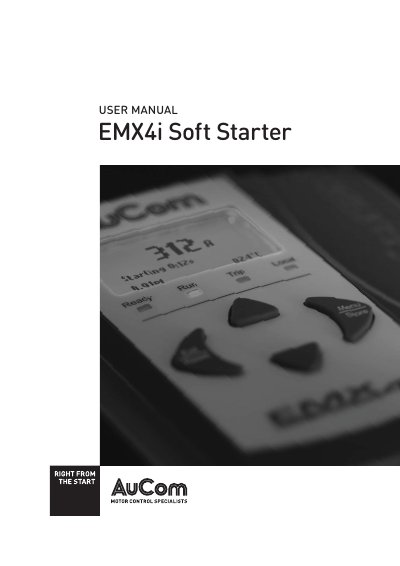
This document provides detailed instructions for installing, operating, and maintaining the AuCom EMX4i soft starter. It includes safety warnings, electrical precautions, setup procedures, and troubleshooting guidance. The manual emphasizes the importance of disconnecting power before servicing and outlines protection features and coordination with short-circuit devices. It also covers programming, communication, and various control methods for motor operation.
The manual is structured to guide users through system design, parameter programming, and fault handling, with sections on safety, installation, commissioning, and advanced applications such as pump control and protection.
| Model Code | EMX4i |
|---|---|
| Document Number | 710-14888-00B |
No, the EMX4i is not user serviceable. It should only be serviced by authorized service personnel. Unauthorized tampering voids the warranty.
The unit should only be serviced by authorized service personnel.
Unauthorized tampering with the unit will void the product warranty.
No, the STOP function does not isolate dangerous voltages from the output of the starter.