
Operating Instructions 30cm Drum Style Desk Fan, including the model, power supply, power and other information, and describes how to use and pay attention to the product.
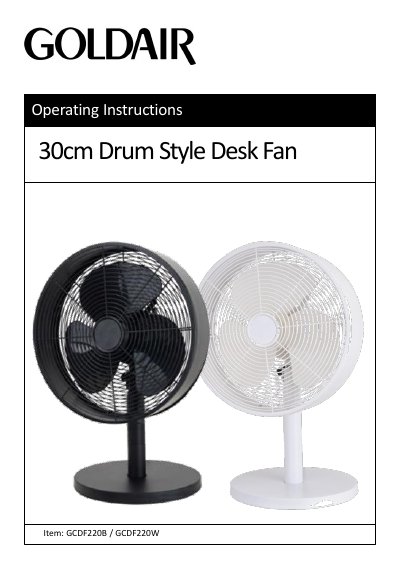
This manual provides operating instructions and safety guidelines for the Goldair 30cm Drum Style Desk Fan, models GCDF220B and GCDF220W. It details the assembly process, control switch functions, and cleaning procedures to ensure safe and effective use of the appliance.
| Supply Voltage | 220 - 240VAC 50Hz |
|---|---|
| Wattage | 35W |
| Product Type | 30cm Drum Style Desk Fan |
The control switch positions are 0 for OFF, 1 for Low Speed, 2 for Medium Speed, and 3 for High Speed.
Push down the oscillation pin on the top of the motor to start oscillation; pull it back up to stop.
Deposits of dust or fluff should be removed regularly by unplugging the appliance and vacuum cleaning the air vents and grills.