
This document is about the user manual of the Servo-u ventilator
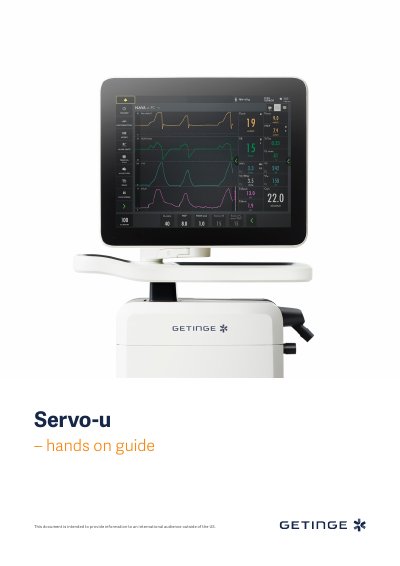
This guide walks users through essential setup steps for the Servo-u 4.1 ventilator, including powering on, connecting hoses, performing pre-use checks, and configuring ventilation modes. It covers interface navigation using touch gestures and adjusting settings like tidal volume, respiratory rate, and PEEP. The guide also explains alarm management, auto-set functions, patient data entry, and viewing modes. It includes a knowledge check with answers to reinforce key concepts.
The guide is designed for hospital personnel as a training tool and does not cover all features. It requires a Servo-u 4.1 unit, O₂ and air supply, patient circuit, and test lung to complete exercises. Exercises can be done individually or in sections and take about 30 minutes.
If the correct circuit is not tested, the following risks may arise: • In volume-based modes, the volume delivered to the patient will be incorrect. • In pressure-based modes, the volume measured will be incorrect.
Red – High Priority alarms. Yellow – Medium priority alarms. Blue – Low priority alarms.
Autoset is not available in supported or NIV modes or in STANDBY because the ventilator system requires patient values in order to propose alarm limits.
There is a lung on the screen indicating the triggered breath. Also there is a white indication in the wave - forms. (if pressure triggering is set- white indication in pressure waveform and if Flow triggering is set- white indication in flow curve).