
This document introduces the usage of SERVO-U ventilator, including settings and adjustments.
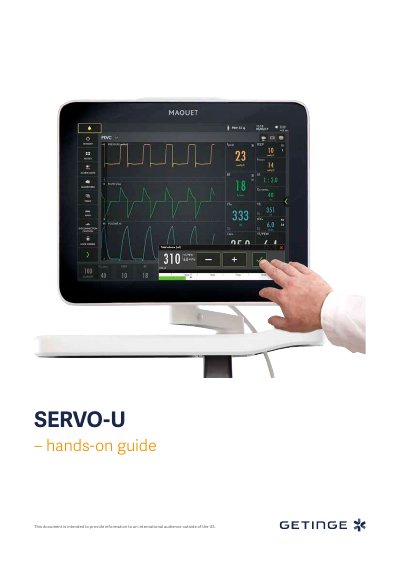
This guide walks users through essential setup steps for the SERVO-U 2.1 ventilator, including power connection, patient circuit testing, and mode configuration. It covers adjusting tidal volume, respiratory rate, and alarm limits. The guide also explains how to interpret waveforms, use the SERVO COMPASS view, and manage O2 boost and battery settings. Knowledge check questions are included at the end for reinforcement.
| Ventilation Type | INVASIVE |
|---|---|
| Default Tidal Volume | 350ml |
If the correct circuit is not tested, the following risks may arise: • In volume-based modes, the volume delivered to the patient will be incorrect. • In pressure-based modes, the volume measured will be incorrect.
Red – High Priority alarms. Yellow – Medium priority alarms. Blue – Low priority alarms.
Flow triggering of 1.6l/min is easier to trigger the breath than pressure triggering of -1.
There is a lung on the screen indicating the triggered breath. Also there is a white indication in the waveforms. (if pressure triggering is set- white indication in pressure waveform and if Flow triggering is set- white indication in flow curve).