
This manual introduces the installation and operation of Small Diameter Filter Scavenger Handheld Indicator
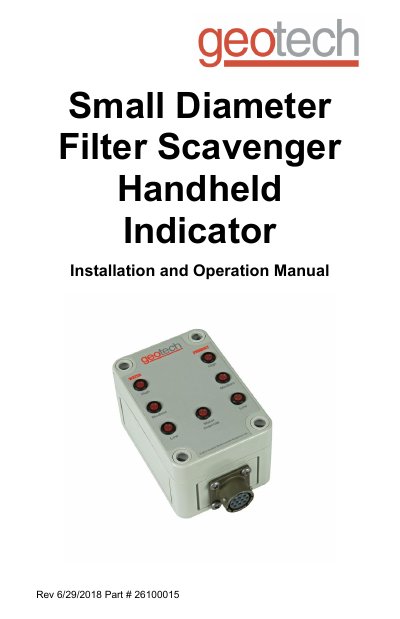
This manual provides instructions for installing, operating, and maintaining the Geotech Small Diameter Filter Scavenger Handheld Indicator. It covers system setup, wiring, basic operation using LED indicators for water and product levels, troubleshooting, and maintenance procedures. The device is designed for single-user operation to indicate float levels in wells.
The manual includes system specifications, warranty information, and contact details for Geotech’s service department. It also outlines troubleshooting steps for common issues such as non-illuminating LEDs or connector problems, and specifies required battery types and replacement procedures.
| Input Voltage Range | 7 - 10 Volt DC |
|---|---|
| Enclosure | 3.70 x 2.56 x 2.24 in. (94 x 65 x 57 mm) |
The water override LED (LED #4) is illuminated when normal conditions apply.
Use a 9V alkaline battery designated 6LR61 or 1604A.
Check the battery condition and voltage with a calibrated test meter, verify the battery drawer is seated correctly, and if the issue persists, replace the battery or send the unit in for repairs.
Check for debris or damage. If debris exists, clear it and insert the connector. If damage exists, do not force it; send the unit in for repairs.