
This is the operation manual for FE400 temperature controller. It mainly introduces the product's usage methods, installation methods, parameter settings, etc.
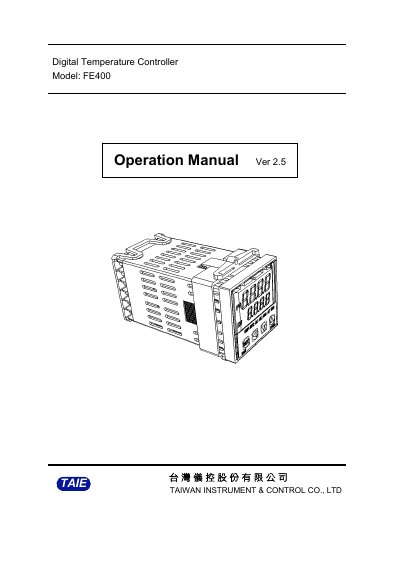
This manual provides step-by-step instructions for installing, configuring, and troubleshooting the TAIE FE400 digital temperature controller. It covers input/output settings, alarm configurations, control modes, and communication protocols. The controller supports multiple sensor types including thermocouples, RTDs, and linear inputs, with configurable output options including relay, SSR, and analog signals. Safety warnings and environmental specifications are included to ensure proper installation and operation. This manual is written in Chinese.
| Power Supply Voltage | 85 ~ 265 VAC, DC 24V (Optional) |
|---|---|
| Frequency | 50/60 Hz |
| Control Output | Relay SPST-NO, 250 VAC, 8A (resistive load), electrical life: 100,000 operations |
| Alarm Output | SPST-NO, 250VAC, 5A (resistive load), electrical life: 100,000 operations |
| Operating Temperature | -10 ~ 50°C (with no icing or condensation) |
| Storage Temperature | -25 ~ 65°C (with no icing or condensation) |
| Dimensions | W 26 x H 75 x D 90 mm |
| Weight | Approx 120g |
The FE400 accepts AC 85~265V or DC 24V power supply.
The FE400 supports thermocouples (TC), RTD, and linear inputs (4~20mA, 0~5V, etc.).
The FE400 operates within -10 to 50°C with no icing or condensation.
Hold the SET key + key for 3 seconds to enter LEVEL_3, then use the UP/DOWN keys to select the desired input type and press SET to save.